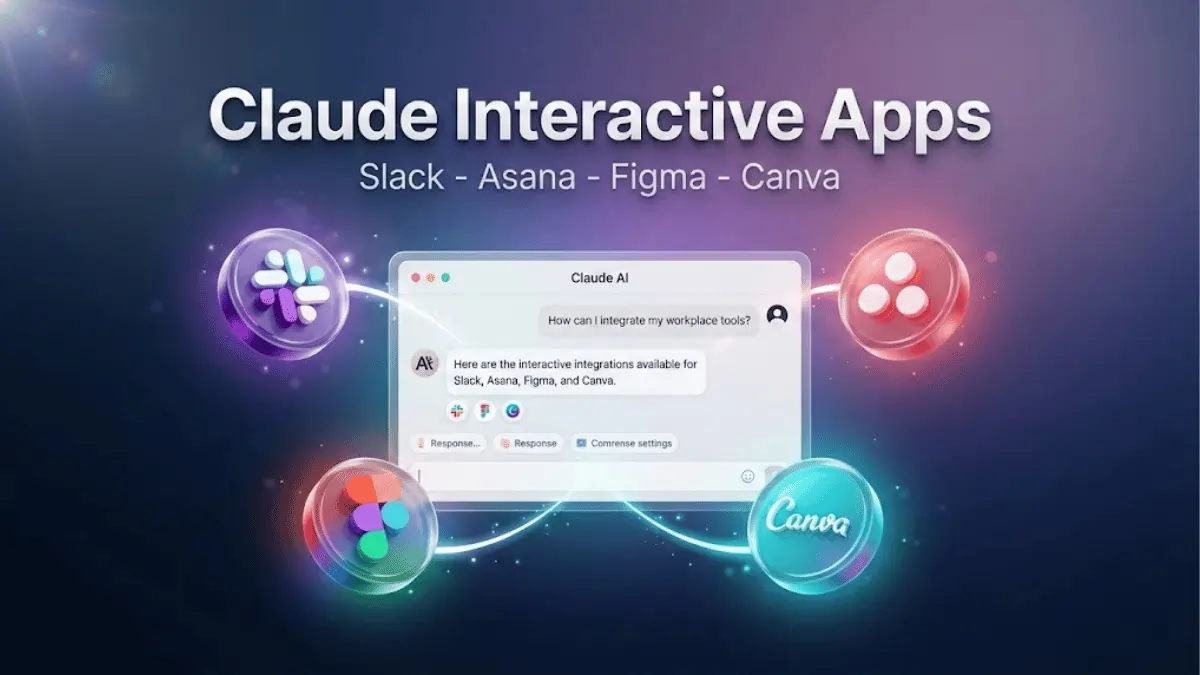
Anthropic has unveiled a major expansion of its Claude AI assistant with the launch of interactive Claude Apps. Powered by the Model Context Protocol (MCP), Claude can now directly interact with popular workplace tools including Slack, Figma, Canva, Asana, and more. This isn't just another AI update — it fundamentally changes how professionals interact with their daily tools.
If you've ever wished your AI assistant could actually do things instead of just talking about them, this is exactly what you've been waiting for. Let's break down everything you need to know about Claude Apps, how MCP works under the hood, and why this matters for the future of AI-powered productivity.
What Are Claude Apps?
Claude Apps represent a significant evolution in how AI assistants integrate with existing workflows. Rather than simply answering questions or generating text, Claude can now take direct actions within connected applications. Think of it as giving Claude hands — it can reach into your favorite tools and actually get work done on your behalf.
Here are the key integrations available at launch:
- Slack Integration: Send messages, manage channels, search conversations, create threads, and summarize discussions
- Figma Integration: Create designs, modify layouts, generate design assets, and review prototypes
- Canva Integration: Design graphics, edit templates, export files in multiple formats, and apply brand kits
- Asana Integration: Create tasks, update projects, manage workflows, set deadlines, and assign team members
- Google Drive: Search documents, read files, organize folders, and create new documents
- GitHub Integration: Browse repositories, review pull requests, and understand codebases
- And More: Support for additional apps expanding every month
What makes this different from simple chatbot integrations is the depth of interaction. Claude doesn't just send a message to Slack — it understands the context of your workspace, knows which channels are relevant, and can chain multiple actions together seamlessly.
The Model Context Protocol (MCP) — The Engine Behind It All
At the heart of this update is Anthropic's Model Context Protocol (MCP), an open-source standard that enables developers to build secure, two-way connections between their data sources and AI-powered tools. Anthropic open-sourced MCP in November 2024, and it has since become the de facto standard for AI-tool integration across the industry.
Think of MCP like a USB-C port for AI applications. Just as USB-C provides a standardized way to connect electronic devices, MCP provides a standardized way to connect AI applications to external systems. Before MCP, every integration required custom code — now, developers build against a single protocol.
How MCP Architecture Works
The MCP architecture is straightforward yet powerful. It consists of three main components:
- MCP Servers: These expose data and functionality from tools like Slack, GitHub, Google Drive, and databases. Developers can build their own MCP servers or use pre-built ones from the open-source repository.
- MCP Clients: AI applications (like Claude) that connect to MCP servers to access data and perform actions.
- The Protocol Layer: A standardized communication layer using JSON-RPC 2.0 that handles requests, responses, and streaming between clients and servers.
Key MCP Features
- Secure Connections: OAuth-based authentication ensures safe, permissioned tool access
- Contextual Awareness: Claude understands the full context of each connected application
- Action Capabilities: Not just reading data, but taking real actions within connected tools
- Open Standard: Any developer can build their own MCP integrations — it's fully open-source
- Bi-directional Communication: Tools can also push information to Claude proactively
"MCP transforms Claude from a conversational assistant into a true workflow partner. Users can now ask Claude to complete real tasks, not just discuss them." — Anthropic spokesperson
Early Adopters and Industry Support
MCP has already gained significant traction across the tech industry. Major companies have embraced the protocol:
- Block (Square): Has integrated MCP into their internal systems, calling it a foundation for "agentic systems that remove the burden of the mechanical so people can focus on the creative."
- Apollo: Integrated MCP for connecting AI to their enterprise data systems.
- Zed, Replit, Codeium, Sourcegraph: Development tools companies using MCP to enhance their platforms, enabling AI agents to understand coding context better.
- Claude Code: Anthropic's own coding tool can now generate entire web applications from Figma designs using MCP connections.
The open-source repository already includes pre-built MCP servers for Google Drive, Slack, GitHub, Git, Postgres, Puppeteer, and many more enterprise systems.
Real-World Use Cases
For Project Managers
"Claude, create a project in Asana for our Q2 product launch, add tasks for each department with appropriate deadlines, assign team leads, and send a Slack message to the #product-team channel summarizing the timeline."
Claude will execute all of this in one go — creating the project structure, populating tasks, and notifying the team. What used to take 30 minutes of manual work now happens in seconds.
For Designers
"Claude, review the latest Figma mockup for the landing page, create a social media announcement graphic in Canva using our brand colors, then share both the Figma link and the Canva draft in the #design Slack channel for team feedback."
For Developers
"Claude, check our Figma designs for the new checkout feature, create corresponding tickets in our project tracker with acceptance criteria based on the designs, and post an architecture summary in the dev channel."
With Claude Code and MCP, developers can even generate entire web applications directly from Figma design files — translating visual layouts into functional code automatically.
For Marketing Teams
"Claude, analyze our last quarter's content performance from Google Drive reports, draft three blog post outlines based on top-performing topics, create a content calendar in Asana, and share the plan in the #marketing channel."
Privacy and Security
With great power comes great responsibility — and Anthropic has been careful about security. Claude Apps maintain strong privacy protections that give users full control:
- Explicit Permissions: Users must grant permissions for each connected app individually
- Minimal Data Access: Claude only accesses data when directly relevant to the user's active request
- Industry-Standard Encryption: All connections use TLS encryption and OAuth 2.0 authentication
- Revocable Access: Users can disconnect any integration and revoke access at any time
- No Training on User Data: Anthropic emphasizes that data accessed through MCP integrations is not used to train Claude's models
- Enterprise Controls: Admins can manage which integrations are available to team members
For enterprise customers, additional security features include SSO integration, audit logging, and granular permission controls that IT administrators can configure at the organizational level.
Pricing and Availability
Claude Apps are available across different Claude subscription tiers:
- Claude Free: Limited access to basic integrations with usage caps
- Claude Pro ($20/month): Full access to all integrations with generous usage limits
- Claude Team ($25/user/month): Team collaboration features plus all integrations
- Claude Enterprise (Custom pricing): Advanced admin controls, SSO, audit logs, and priority support
The Claude Desktop app supports connecting MCP servers across all plans, and developers can start building custom integrations immediately using the open-source SDKs available in Python and TypeScript.
How Claude Apps Compare to the Competition
This launch positions Claude as a formidable competitor in the AI productivity space. Here's how it stacks up:
- vs. ChatGPT Plugins/GPTs: OpenAI's approach uses a closed plugin ecosystem, while MCP is fully open-source. Claude's integrations are deeper and more action-oriented.
- vs. Google Gemini: Gemini has native Google Workspace integration, but Claude's MCP works across a much broader ecosystem of third-party tools.
- vs. Microsoft Copilot: Copilot is tightly coupled to Microsoft 365. Claude Apps work across tool ecosystems regardless of vendor.
The key differentiator is that MCP is an open standard. Any developer can build an MCP server, meaning the ecosystem of available integrations will grow organically — much faster than any closed system could.

The AI Productivity Race Heats Up
The ability to take actions within apps, rather than just providing information, represents the next frontier in AI assistant capabilities. We're moving from AI that tells you things to AI that does things for you — and Claude Apps is leading this charge.
Industry analysts predict that by late 2026, AI assistants with deep tool integrations will become the default way knowledge workers interact with their software stack. Companies that haven't integrated AI into their workflows may find themselves at a significant productivity disadvantage.
What's Coming Next
Anthropic has announced ambitious plans to expand MCP integrations throughout 2026:
- CRM Platforms: Salesforce, HubSpot, and Zoho integrations
- Email Integration: Gmail and Outlook for reading, drafting, and sending emails
- Calendar Management: Google Calendar and Outlook Calendar for scheduling
- Code Repositories: Deeper GitHub and GitLab integration with CI/CD pipeline support
- Customer Support: Zendesk, Intercom, and Freshdesk connections
- Database Access: Direct connections to PostgreSQL, MySQL, and cloud databases
- 3D Design Tools: Blender integration for 3D modeling and design workflows
How to Get Started with Claude Apps
Ready to try Claude Apps? Here's how to get started:
- Download the Claude Desktop App from claude.ai/download
- Sign in to your Claude account (Pro or Team recommended for full access)
- Navigate to Integrations in your settings
- Connect your tools — authenticate with Slack, Figma, Google Drive, etc.
- Start chatting and ask Claude to perform actions across your connected tools
For developers who want to build custom MCP servers, check out the MCP Quickstart Guide and the open-source repository on GitHub.
Final Thoughts
Claude Apps with MCP integration represents one of the most significant leaps in AI assistant functionality we've seen. By building on an open standard rather than a proprietary ecosystem, Anthropic is betting that the best approach is one where everyone can participate and contribute.
Whether you're a project manager looking to automate repetitive workflows, a developer wanting AI to handle boilerplate tasks, or a designer seeking faster iteration cycles — Claude Apps has something for you. The question is no longer whether AI assistants will become integral to our workflows, but how quickly you'll adopt them.
Stay tuned to GetUpdated for more coverage on AI developments and how they impact your work and life!