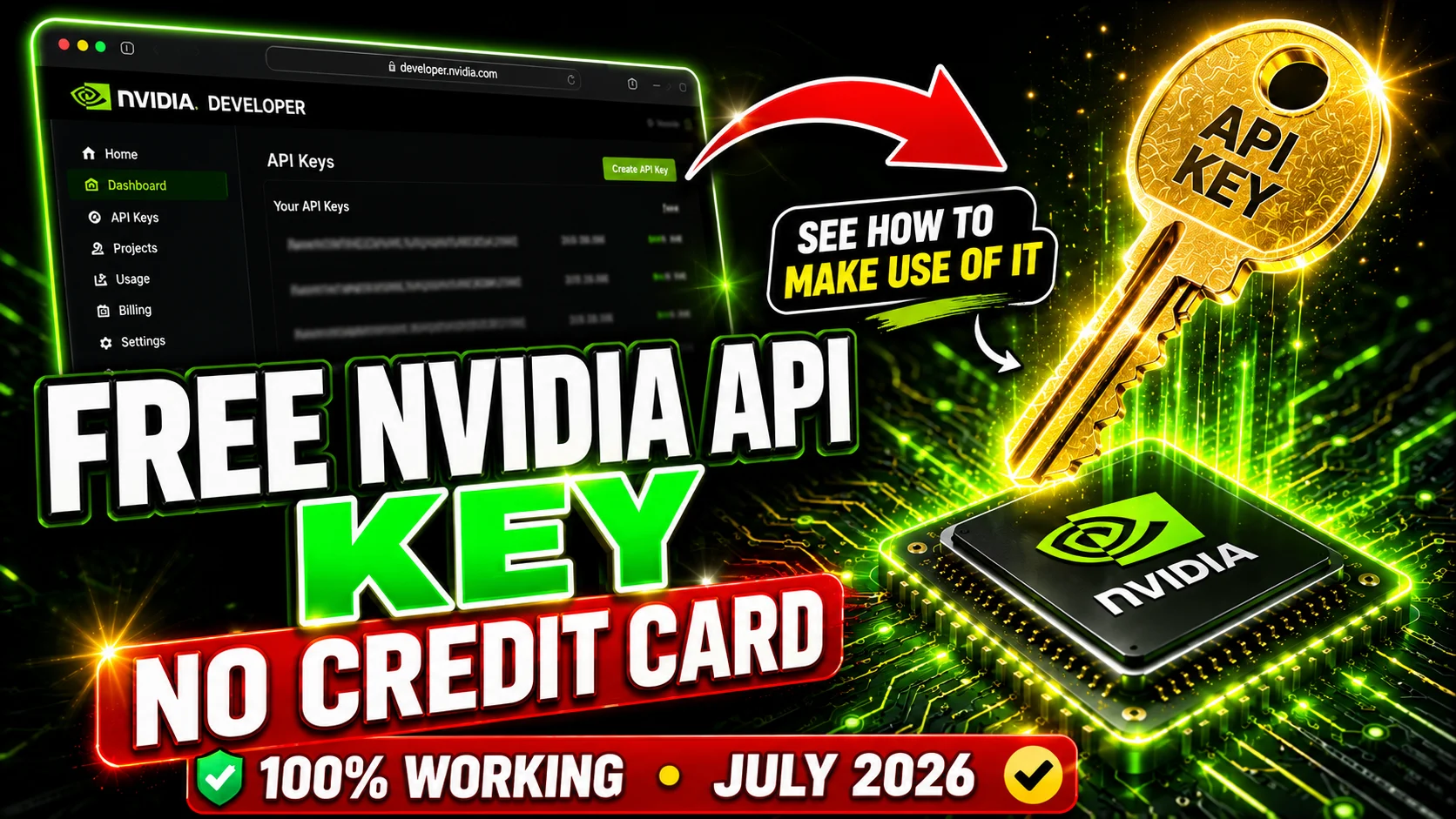
Here is the situation almost every student and indie developer in India runs into. You have an idea for an AI project — a college mini-project, a résumé screener, a chatbot for your startup, a coding assistant for your own editor. You sit down to build it, you reach for an API, and then you hit the wall: OpenAI wants a card on file, Anthropic wants a card on file, Google gives you a free tier that quietly throttles you, and suddenly your ₹0 side project has a monthly bill attached to it before it has a single user.
Meanwhile there is a genuinely free option sitting in plain sight that most people either have not heard of or assume is some kind of limited demo. It is not. NVIDIA runs a hosted API catalogue at build.nvidia.com that serves more than a hundred open models — Llama, DeepSeek, Qwen, Mistral, OpenAI's open-weight GPT-OSS models, and NVIDIA's own Nemotron family — on NVIDIA's own GPU infrastructure, through an API that speaks the exact same protocol as OpenAI's. You sign up, you get an API key, and you get free credits to spend on any model in the catalogue. No credit card. No trial countdown clock ticking down from day one.
I have been running this key across several projects for a while now, and this guide is everything I wish someone had written down for me on day one: how to actually get the key, how to redeem the extra credits most people never claim, how to wire it into your code in about four lines, which model you should genuinely be using for which job, and — importantly — where the free tier stops being enough.
What Exactly Is the NVIDIA Free API?
Let us be precise about what this is, because the naming is confusing and NVIDIA does not make it easier.
NIM (NVIDIA Inference Microservices) is NVIDIA's packaging format for running foundation models. Each model gets wrapped into an optimised, containerised microservice tuned for NVIDIA GPUs, with a standard API on the front. The idea is that you can take that same container and run it on your own hardware, in your own cloud, or in a data centre — the interface never changes.
build.nvidia.com is the shop window for that system. It is a hosted catalogue where NVIDIA runs those same NIM containers on its own infrastructure and lets you call them over the internet, so you can evaluate a model before deciding whether to self-host it. There is a browser playground for every model where you can chat with it directly, and behind that playground there is a real REST API you can call from your own code.
The free credits exist because this is fundamentally a developer funnel. NVIDIA is not trying to be your long-term LLM provider the way OpenAI is. NVIDIA sells GPUs and enterprise software licences. The hosted API is there so that developers try the models, build something, and eventually deploy on NVIDIA hardware — whether that is a workstation GPU, a cloud instance, or a full NVIDIA AI Enterprise subscription. Understanding that motivation tells you a lot about how to use the free tier sensibly: it is superb for prototyping, learning, hobby projects and evaluation, and it is not designed to be the backend of a production app serving thousands of users.
The NVIDIA free tier at a glance
- Cost: ₹0 — no credit card required at sign-up
- Starting balance: 1,000 API credits on account verification
- Extra credits: up to 4,000 more on request (5,000 total)
- Models: 100+ open models — Nemotron, Llama, DeepSeek, Qwen, Mistral, GPT-OSS and more
- Rate limit: roughly 40 requests per minute per model, account-level
- API style: OpenAI-compatible, at
https://integrate.api.nvidia.com/v1 - Expiry: no trial countdown on the base credits
How to Get Your Free NVIDIA API Key — Step by Step
The whole process takes about five minutes, and roughly four of those are waiting for a verification email. Here is the exact sequence.
Step 1 — Create your NVIDIA account. Go to build.nvidia.com and click Sign In / Get Started in the top right. You can register with an email address or sign in with an existing Google or GitHub account. This creates an NVIDIA Developer Program membership, which is free. You will not be asked for payment details at any point in this flow.
Step 2 — Verify the account. Confirm the link in your email. NVIDIA has also been asking for phone verification on new accounts, so keep your phone handy — you will get an OTP. This step matters more than it looks, because verification is what actually releases your credit balance. Accounts that stall at half-verified sometimes show a zero balance and people assume the free tier is gone. It is not; the verification simply is not finished.
Step 3 — Generate the API key. Once you are inside, go to build.nvidia.com/settings/api-keys, or click your profile icon and pick API Keys. Hit Generate API Key, give it a recognisable name (I use one key per project — "college-chatbot", "resume-parser" — so I can revoke one without breaking everything else), and confirm.
You will get a long string that begins with nvapi-. Copy it immediately and store it somewhere safe — NVIDIA shows the full key exactly once. If you close that dialog without copying it, the key is not recoverable and you will need to generate a new one.
Step 4 — Check your credit balance. Click your profile avatar in the API catalogue. You should see your credit balance sitting there — 1,000 credits on a fresh, verified account. This is the number that matters, not any dollar figure.
Never commit your key to GitHub
An nvapi- key is a bearer token — anyone holding it can spend your credits. Bots actively scrape public repositories for exactly these patterns. Keep the key in a .env file, add .env to your .gitignore, and load it with an environment variable. If you ever paste a key into a screenshot, a Stack Overflow question or a shared Colab notebook, revoke it and generate a new one — it takes ten seconds and saves you a lot of grief.
How to Redeem Your Credits — Including the 4,000 Most People Miss
This is the section that genuinely saves people money, so it is worth reading carefully. There are two separate things happening, and confusing them is why so many people think their credits "did not arrive".
The initial 1,000 credits — automatic, no code needed
There is no coupon, no voucher and no redemption code for the base allowance. The 1,000 credits are applied to your account automatically once verification completes. If you are searching for a promo code to enter somewhere, stop — that field does not exist. If your balance shows zero on a new account, the cause is almost always incomplete email or phone verification, or a corporate network blocking the verification callback. Finish verification and the balance appears.
The additional 4,000 credits — you have to ask
This is the part most people never claim. From inside the API catalogue, click your profile and choose Request More. What happens next depends on the email you registered with:
- If you signed up with a personal email (Gmail, Outlook, Yahoo), you will be prompted to supply a business or organisation email address. Providing a valid one activates a free 90-day NVIDIA AI Enterprise evaluation licence and unlocks up to 4,000 additional credits, bringing your total to 5,000.
- If you already signed up with a business or institutional email, the request flow is usually shorter — the licence activation and credit top-up happen with fewer additional steps.
For students in India, your college or university email address (the @somecollege.edu.in or @iit*.ac.in style address most institutions issue) generally counts as an organisation email here. If your college gave you one and you have never used it, this is an excellent reason to go dig out the password. If your request is not processed automatically, the NVIDIA Developer Forums have a running thread for credit requests where NVIDIA staff process them manually — that is the documented fallback route, and it does work, it is just slower.
Do the credit request on day one
Request the extra credits before you start building, not after you run dry mid-project. Approval is not always instant, and there is nothing more annoying than a half-finished demo the night before a submission deadline with a zero balance and a pending request.
How Credits Are Actually Consumed
Credits are not tokens, and this trips people up constantly. A credit is roughly a unit of compute cost, and each API request consumes a variable number of them depending on which model you called and how much work it did.
The practical rule is simple: model size drives credit burn. A small model like Llama 3.1 8B costs a fraction of a credit per request. A giant reasoning model in the hundreds-of-billions-of-parameters range costs meaningfully more per call, because NVIDIA is running far more GPU compute to answer you. A reasoning model that "thinks" for two thousand tokens before it answers costs more than a straightforward chat model that replies in fifty.
What this means for your 1,000 free credits: if you spend them all on the largest reasoning models with long chain-of-thought outputs, you will burn through them surprisingly quickly. If you use a small or mid-size model for the ninety per cent of your calls that are routine and reserve the giants for the genuinely hard problems, the same 1,000 credits stretch a very long way. That routing discipline is the single biggest determinant of how far your free tier goes.
Independently of credits, there is a rate limit of roughly 40 requests per minute per model, applied at the account level. This one catches people building bulk pipelines — you can have 4,000 credits sitting unused and still get throttled because you fired off two hundred requests in ten seconds. Add a small delay or a retry-with-backoff loop to any batch job.
Making Your First API Call
Here is where NVIDIA made an excellent decision: rather than inventing a new API format, they made the hosted endpoints OpenAI-compatible. The base URL is https://integrate.api.nvidia.com/v1 and it accepts standard /chat/completions requests. If you have ever written OpenAI code, you already know how to use this — you change two lines.
Python
Install the standard OpenAI client with pip install openai, then:
import os
from openai import OpenAI

client = OpenAI(
    base_url="https://integrate.api.nvidia.com/v1",
    api_key=os.environ["NVIDIA_API_KEY"]   # your nvapi-... key
)

response = client.chat.completions.create(
    model="nvidia/llama-3.3-nemotron-super-49b-v1.5",
    messages=[
        {"role": "system", "content": "You are a concise technical assistant."},
        {"role": "user", "content": "Explain vector embeddings in three sentences."}
    ],
    temperature=0.6,
    max_tokens=512
)

print(response.choices[0].message.content)
That is the entire integration. The only NVIDIA-specific things in that snippet are the base_url and the model ID.
Streaming responses
For anything user-facing you want streaming, so text appears as it is generated instead of after a ten-second pause:
stream = client.chat.completions.create(
    model="nvidia/llama-3.3-nemotron-super-49b-v1.5",
    messages=[{"role": "user", "content": "Write a haiku about GPUs."}],
    stream=True
)

for chunk in stream:
    if chunk.choices[0].delta.content:
        print(chunk.choices[0].delta.content, end="", flush=True)
JavaScript / Node.js
import OpenAI from "openai";

const client = new OpenAI({
  baseURL: "https://integrate.api.nvidia.com/v1",
  apiKey: process.env.NVIDIA_API_KEY
});

const res = await client.chat.completions.create({
  model: "meta/llama-3.3-70b-instruct",
  messages: [{ role: "user", content: "Summarise this in one line: ..." }]
});

console.log(res.choices[0].message.content);
Plain cURL
Useful for a quick sanity check that your key actually works before you debug your application code:
curl https://integrate.api.nvidia.com/v1/chat/completions \
  -H "Authorization: Bearer $NVIDIA_API_KEY" \
  -H "Content-Type: application/json" \
  -d '{
    "model": "meta/llama-3.1-8b-instruct",
    "messages": [{"role": "user", "content": "Say hello"}],
    "max_tokens": 64
  }'
Test with the cheapest model first
When you are debugging authentication, headers or JSON shape, do it against meta/llama-3.1-8b-instruct. There is no reason to burn credits on a 500B-parameter model just to discover you had a typo in your environment variable name.
Which Model Is Best? An Honest Breakdown
"Which model is best" is the wrong question, and asking it is how people waste their credits. The right question is best at what. A 550-billion-parameter reasoning model is objectively worse than an 8B model at the job of classifying five thousand support tickets, because it costs vastly more and the 8B model gets it right anyway.
Here is how I actually route work across the catalogue, with the model IDs you paste into your code.
| Your task | Model ID to use | Why |
|---|---|---|
| General purpose / best all-rounder | nvidia/llama-3.3-nemotron-super-49b-v1.5 |
The sweet spot. Strong reasoning and chat quality at a fraction of the credit cost of the giants. |
| Writing and refactoring code | qwen/qwen3-coder-480b-a35b-instruct |
Purpose-built for code. Clearly better than general chat models at multi-file and long-context coding. |
| Hard reasoning, maths, analysis | deepseek-ai/deepseek-v4-pro |
Chain-of-thought heavyweight. Use it for the problems that actually need it, not for chat. |
| Maximum quality, cost no object | nvidia/nemotron-3-ultra-550b-a55b |
NVIDIA's flagship. Excellent, and the fastest way to empty your credit balance. |
| Agents and tool calling | nvidia/nemotron-3-super-120b-a12b |
Explicitly positioned for agentic workloads; reliable structured function calling. |
| High volume, low cost, simple tasks | meta/llama-3.1-8b-instruct |
Classification, tagging, extraction, routing. Cheap enough to call thousands of times. |
| Cheap but noticeably smarter | nvidia/nvidia-nemotron-nano-9b-v2 |
Small-model economics with better instruction-following than most 8B models. |
| Open-weight GPT-family behaviour | openai/gpt-oss-120b |
Handy when you are porting prompts written for GPT models and want familiar response styling. |
| Fast, cheap coding help | qwen/qwen2.5-coder-32b-instruct |
Solid autocomplete-grade coding at a small fraction of the flagship coder's cost. |
| Long documents on a budget | meta/llama-3.3-70b-instruct |
Dependable mid-size workhorse for summarisation and document Q&A. |
So what is the single best pick?
If you force me to name one model and one model only: nvidia/llama-3.3-nemotron-super-49b-v1.5. NVIDIA post-trained this specifically for reasoning and instruction-following, and the result punches far above its parameter count. On the free tier, the thing you are optimising is quality per credit, and that is precisely where this model wins. It handles chat, summarisation, structured output, everyday coding and light reasoning well enough that you rarely need to reach for anything bigger.
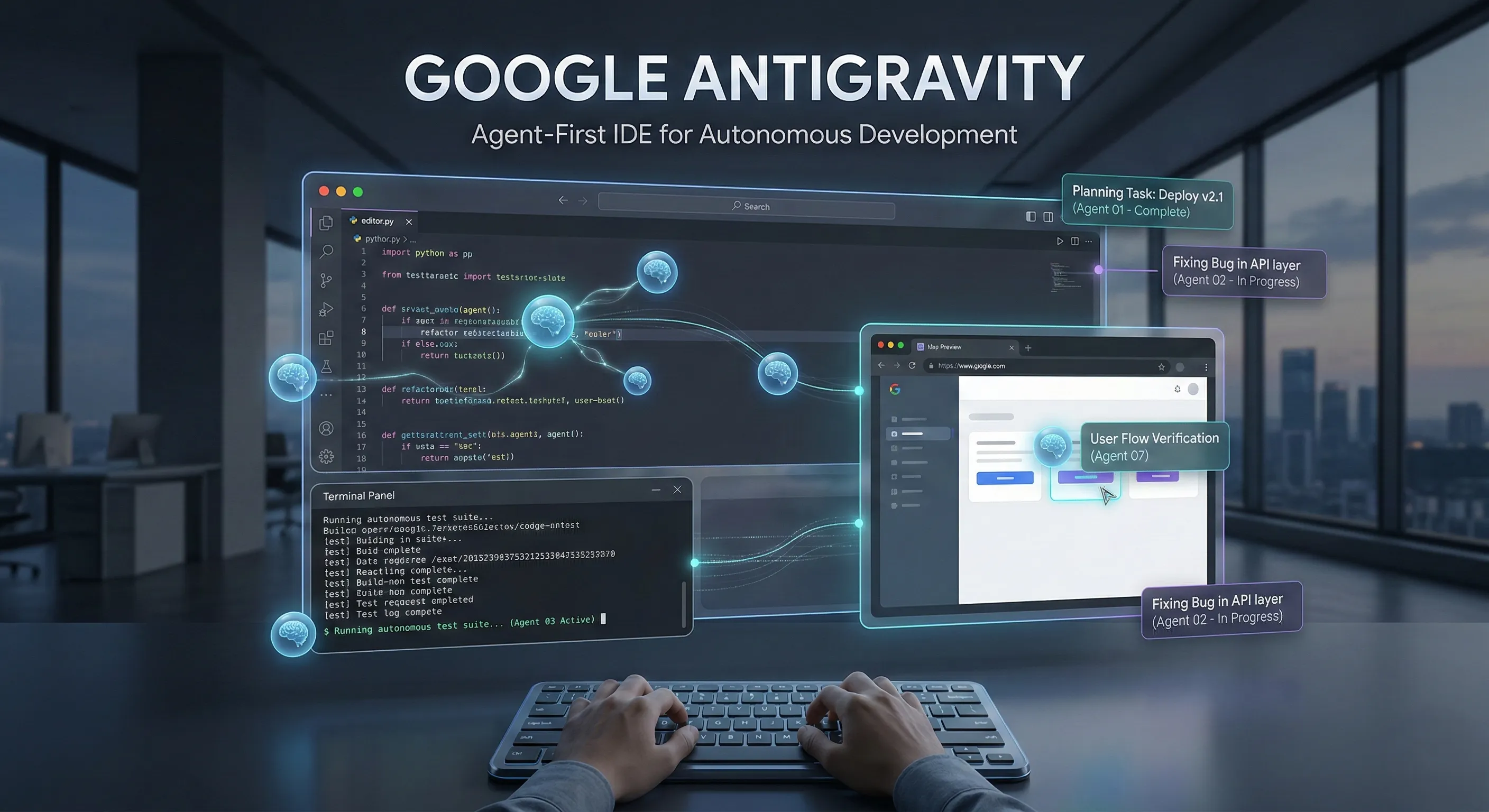
The pattern I would actually recommend is a two-tier setup: run Nemotron Super as your default, and add one escalation rule — when a request involves serious multi-step reasoning or heavy code generation, route it to DeepSeek or the Qwen coder. Two model IDs and one if statement will make your free credits last several times longer than calling the biggest model for everything.
A quick note on model names
NVIDIA's catalogue moves fast — models get added, versioned and occasionally deprecated. Before you hard-code an ID, open the model's card on build.nvidia.com/models and copy the exact ID shown in its code sample. Every card shows the current ID and the features that model supports (tool calling, vision, structured output, context length). If a call fails with a model-not-found error, an outdated ID is the first thing to check.
Beyond Chat — What Else Is in the Catalogue
The catalogue is not only text models, and the non-chat endpoints are the most under-used part of the free tier.
- Embeddings and retrieval. NVIDIA hosts embedding and reranking models, which means you can build a complete RAG pipeline — chunk documents, embed them, retrieve, rerank, generate — entirely on the free tier without paying for a separate embeddings provider. For a college project on document Q&A this is the whole stack for ₹0.
- Vision language models. Several models accept images alongside text, so you can do OCR-style extraction, chart reading, screenshot understanding and image Q&A through the same OpenAI-compatible interface.
- Speech. NVIDIA's Riva speech models handle transcription and text-to-speech, which is enough to prototype a voice assistant end to end.
- Domain models. There are specialised models for biology, healthcare, robotics simulation and industrial inspection — niche, but genuinely useful if your project happens to sit in one of those areas.
Plugging the Key into Tools You Already Use
Because the endpoint is OpenAI-compatible, most of the AI tooling ecosystem accepts this key with zero code. Anywhere a tool lets you set a custom base URL, you can point it at NVIDIA:
- LangChain / LlamaIndex: use the NVIDIA integration packages, or simply configure the generic OpenAI class with the NVIDIA base URL and your key.
- Open WebUI / LibreChat: add a custom OpenAI-compatible provider with base URL
https://integrate.api.nvidia.com/v1and you get a full ChatGPT-style interface running on free NVIDIA models. - Continue, Cline and similar VS Code extensions: configure an OpenAI-compatible provider and point the coding model at the Qwen coder. This gives you a free in-editor AI assistant.
- n8n, Make, Zapier and other automation platforms: the standard HTTP request node with a bearer token is all you need.
That last point is worth dwelling on. A free in-editor coding assistant and a free self-hosted chat interface, both powered by a key that costs nothing, covers most of what people pay a monthly subscription for. It is not as polished as the commercial products — but it is free, and the models underneath are genuinely capable.
Limitations You Should Know Before You Build
I would rather you go in with clear expectations than discover these at 2 a.m. before a demo:
- The rate limit is real and low. Around 40 requests per minute per model is fine for a chatbot with a handful of users and completely inadequate for a batch job over ten thousand rows. Build in backoff from the start.
- Credits are finite and non-renewing. This is not a monthly free allowance that resets. You get 1,000, you can request up to 4,000 more, and then you are done. Budget accordingly.
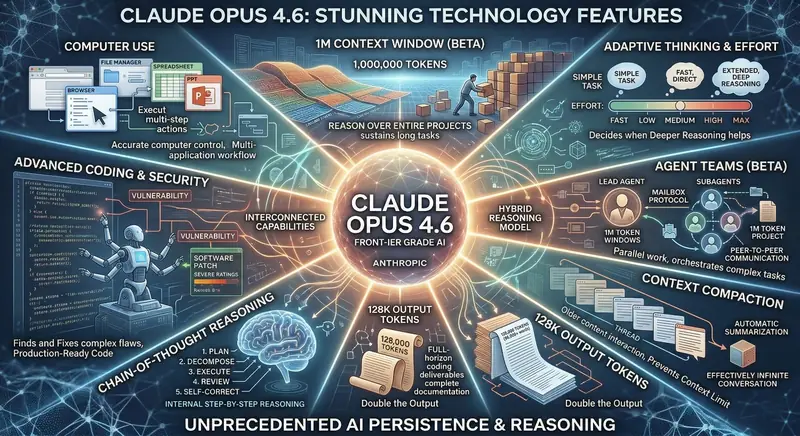
- No frontier closed models. The catalogue is open-weight models. There is no GPT-5-class or Claude Opus-class model here. For the hardest reasoning tasks, the best commercial models are still ahead — this is a trade-off you are making in exchange for zero cost.
- Cold starts on less popular models. Frequently used models respond instantly. Something obscure may take noticeably longer on the first call while capacity spins up.
- Not a production SLA. These are evaluation endpoints. There is no uptime guarantee, and NVIDIA can change or deprecate a hosted model. Do not put a paying customer's critical path behind it.
- The business email requirement can be a wall. If you have no organisation or college email at all, unlocking the additional 4,000 credits is harder, and you may need to go the forum request route.
- Model IDs drift. Catalogue entries get versioned and retired. Code that worked six months ago can fail with a model-not-found error. Keep model IDs in config, not scattered through your source.
Getting the Most Out of 1,000 Credits
These are the habits that make the difference between a free tier that lasts a weekend and one that lasts a semester:
- Route by difficulty, not by habit. Default to a mid-size model and escalate to a large one only when the task genuinely needs it. This is the single highest-impact change you can make.
- Cap
max_tokensdeliberately. If you want a one-line summary, do not leave the ceiling at 4,096. Long generations cost more, and an unbounded reasoning model will happily think out loud for two thousand tokens before answering. - Cache aggressively. During development you will run the same prompt dozens of times while tweaking downstream code. Cache responses to a local file keyed by prompt hash. This alone can cut development burn by more than half.
- Prototype in the browser playground. Every model card has a free web playground. Iterate on your prompt there until it produces what you want, then move it into code. Do not burn API credits on prompt experiments.
- Trim your context. Sending an entire document when three relevant paragraphs would do costs you on every single call. Retrieval before generation is cheaper as well as more accurate.
- Use small models for structure, big models for judgement. Extraction, classification, formatting and routing are 8B-model jobs. Save the expensive models for tasks that genuinely require reasoning.
- Request the extra credits on day one. Worth repeating. Do it before you need them.
When You Outgrow the Free Tier
At some point your project either dies or it grows, and if it grows you will hit the ceiling. You have three sensible exits.
Self-host the same model. This is the option people forget, and it is the best one for many projects. Almost everything in this catalogue is open weights. You can pull the NIM container, or run the raw model with vLLM or Ollama, on a rented GPU or your own machine, and pay nothing per token forever. Your code barely changes — vLLM also exposes an OpenAI-compatible endpoint, so it is once again a base URL swap. If you have a decent GPU, the small and mid-size models run comfortably at home.
Move to NVIDIA AI Enterprise. If you are inside a company that already runs NVIDIA infrastructure, the paid licence gives you production support, guaranteed capacity and the same model catalogue. This is the path NVIDIA is nudging you towards, and for enterprise deployments it is a reasonable one.
Switch providers, keep your code. Because you wrote against the OpenAI protocol, migrating to another provider is a base URL and a key. That portability is quietly the most valuable thing about building on this API — you are not locked in to anyone.
"The best free tier is not the one with the most credits. It is the one whose code you can pick up and run somewhere else without rewriting it."

Common Problems and How to Fix Them
| Problem | Likely cause and fix |
|---|---|
| 401 Unauthorized | The key is wrong, truncated, or the Bearer prefix is missing. Confirm the value starts with nvapi- and that your environment variable is actually loaded. |
| 404 Model not found | The model ID is outdated or misspelled. Copy the exact ID from the model card's code sample on build.nvidia.com. |
| 429 Too Many Requests | You crossed the ~40 requests/minute cap. Add exponential backoff and throttle batch jobs. |
| 402 / credit errors | Balance exhausted. Request more credits from your profile, or self-host the model. |
| Balance shows zero on a new account | Verification is incomplete. Finish email and phone verification, then reload the catalogue. |
| First request is very slow | Cold start on a less popular model. Retry, or pick a more widely used model. |
| Streaming prints nothing | You are reading message.content instead of delta.content on the chunks. |
Final Verdict — Is the NVIDIA Free API Worth Your Time?
Yes, emphatically — provided you understand what it is for.
If you are a student building a project, a developer learning how LLM applications are actually assembled, an indie hacker validating an idea, or an engineer evaluating open models before committing to a deployment, this is one of the best free offers in AI right now. A hundred-plus serious models, real GPU infrastructure behind them, an API that is a two-line change from OpenAI's, and no credit card. The fact that everything you write is portable to self-hosting later makes it better still — you are learning transferable skills, not vendor-specific ones.
If you are looking for an unlimited free replacement for a ChatGPT Plus subscription, or a production backend for an app with real users, this is not that. The credits are finite, the rate limits are modest, and there is no SLA. Trying to force it into that role will end in frustration.
My recommendation: go to build.nvidia.com, sign up, generate the key, and immediately submit the request for the additional 4,000 credits. Start with nvidia/llama-3.3-nemotron-super-49b-v1.5 as your default model, keep meta/llama-3.1-8b-instruct around for cheap bulk work, and reach for the coder or reasoning models only when the task earns it. Ten minutes of setup, ₹0 spent, and you have a genuinely capable AI backend for whatever you want to build next.
Official Links
Get Your Free API Key Here — Official NVIDIA Build Portal
Generate API Key — NVIDIA API Keys Page
Browse All Models — NVIDIA NIM Model Catalogue